Kingdom.py makes learning Python part of running a town
Write Python for an island town: harvest, collect taxes and automate work. A closer look at the learning-game idea and Roman’s development story.

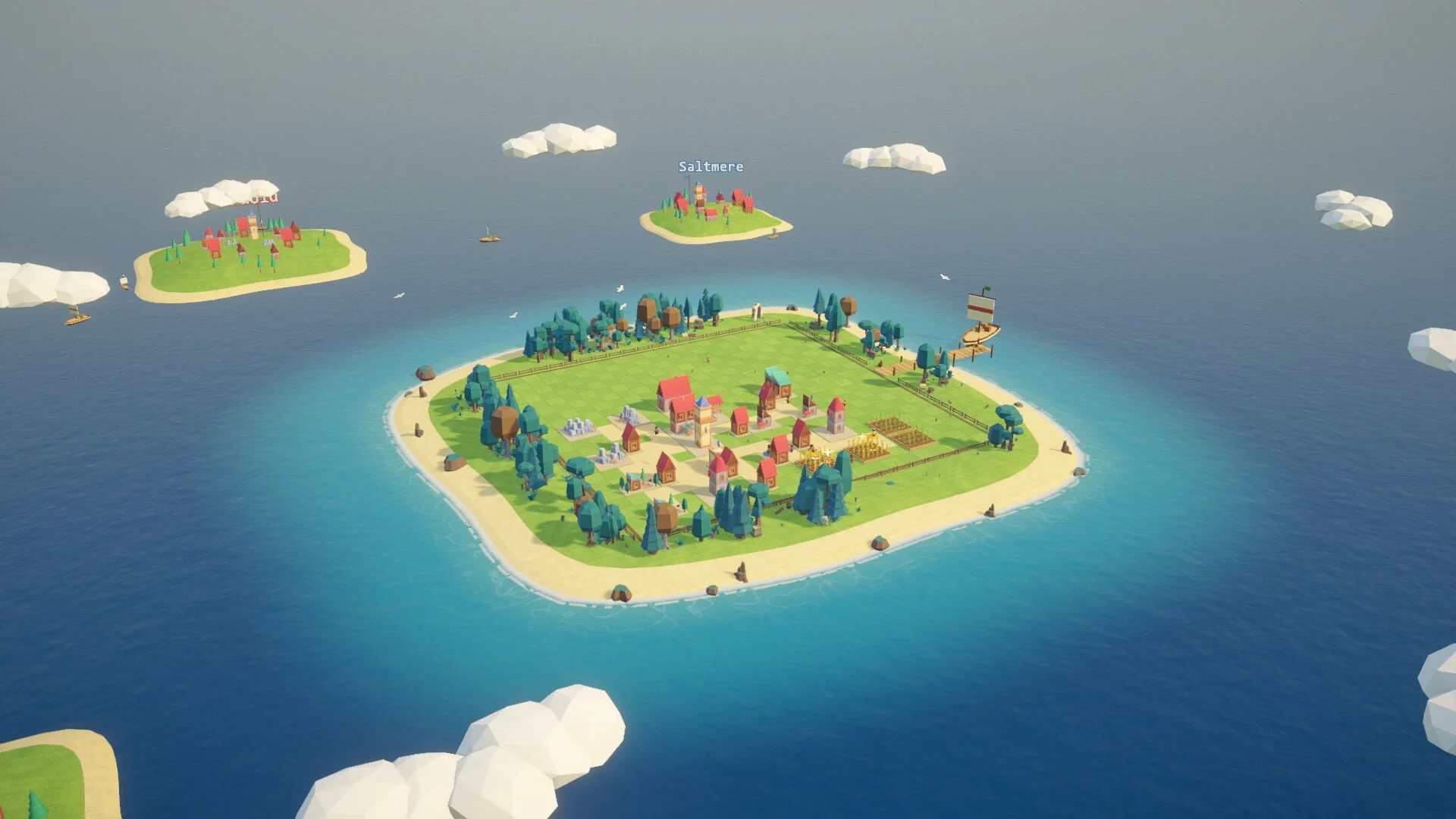
Official Steam screenshot. Kingdom Labs.
Your fields need harvesting, the tax money is waiting in the houses, and a merchant ship will not stay at the pier forever. In Kingdom.py, those are reasons to write a better program. You give your heroes Python scripts, press Run and watch them carry out the instructions around a small island town.
That makes it an interesting learning-game idea: a loop has a job to do, and you can see what happens when your instructions are useful, incomplete or badly timed. Kingdom Labs released the Windows game on Steam on 5 November 2026. There is also a separate free demo.
Your first building starts in a Python file
The official introduction begins with a hero, a town hall and main.py. A command changes the hero's profession to Builder, and two build calls send them to construct houses at particular coordinates. When the program runs, the editor highlights the line currently being executed while the hero moves through the world. If a line is wrong, the developer says the game points it out and explains why in plain words.
You are writing real Python syntax, but the actions belong to the game. Calling build tells this particular game's worker what to do; it is not a command that exists in every Python project. The transferable part is the programming around it: organising instructions, checking conditions, repeating work and splitting a problem into functions.
The next problem is keeping useful work happening. A house pays taxes only when somebody collects them. Fields need planting and harvesting before the crop rots. A lumberyard can exhaust its grove. A sequence that works once is not automatically a good routine for a growing town.
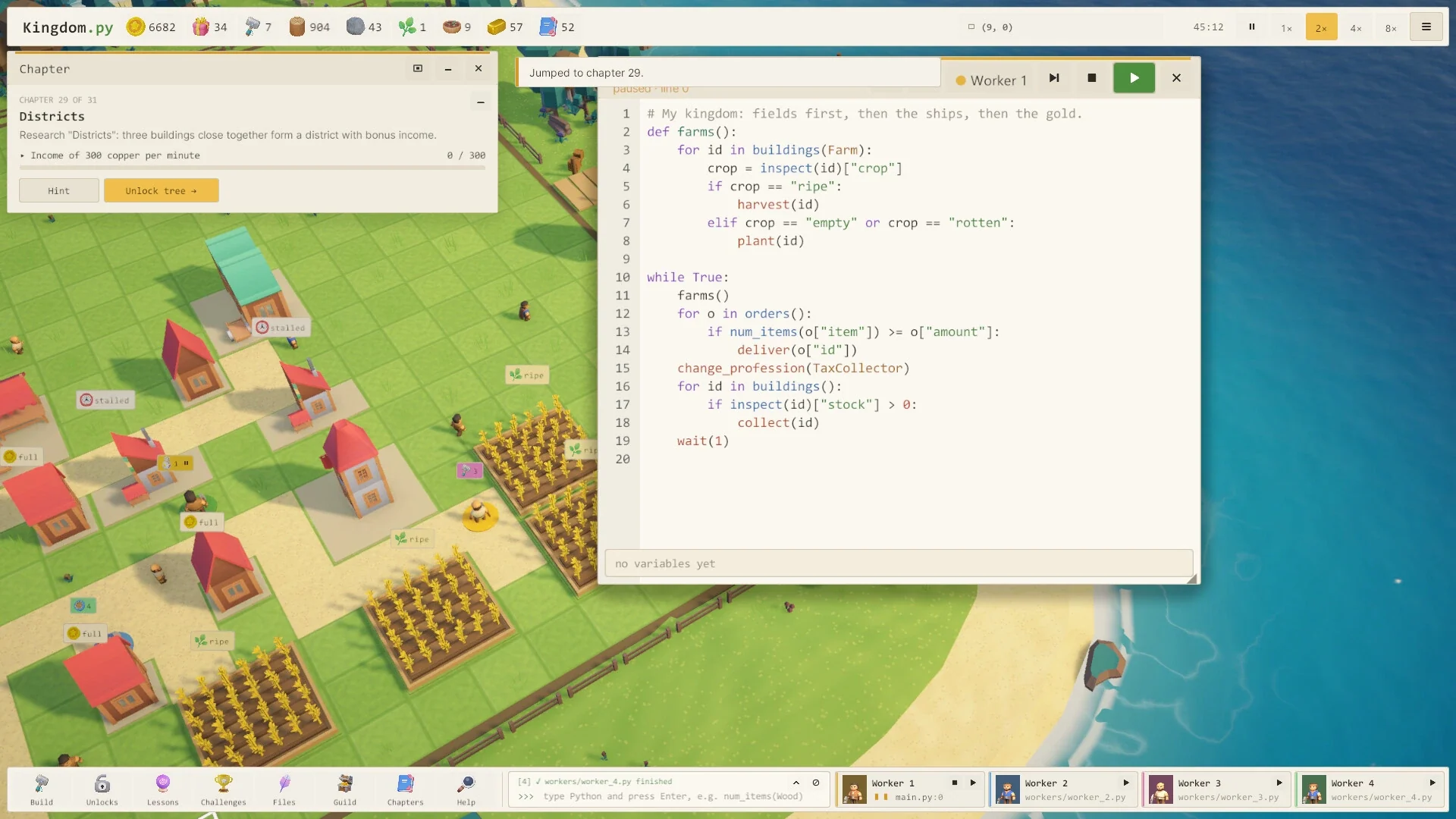
An official screenshot shows a farm function inspecting each field, harvesting ripe crops and planting when the field is empty or rotten. The main loop then checks orders and collects available stock. You can read the priority directly from the program: do the farming work, deal with orders, then collect. Changing that order is a management decision as well as a coding decision.
Learn Python through problems your town needs solved
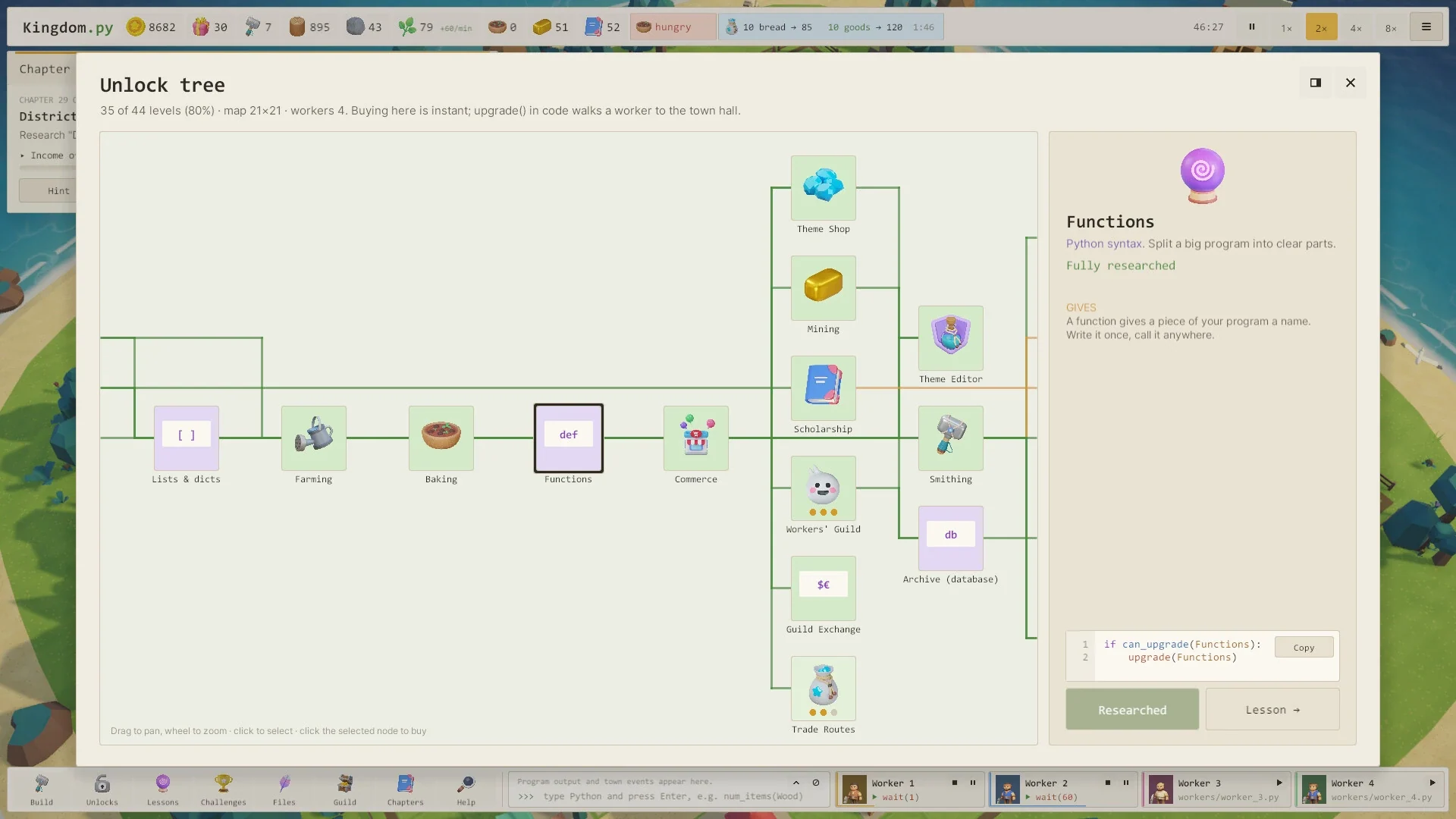
Python concepts unlock through the research tree alongside buildings. The developer's proposed progression runs from individual actions to loops, conditions, lists, dictionaries, functions and modules. Eventually several heroes can run separate programs and divide the work through a shared database.
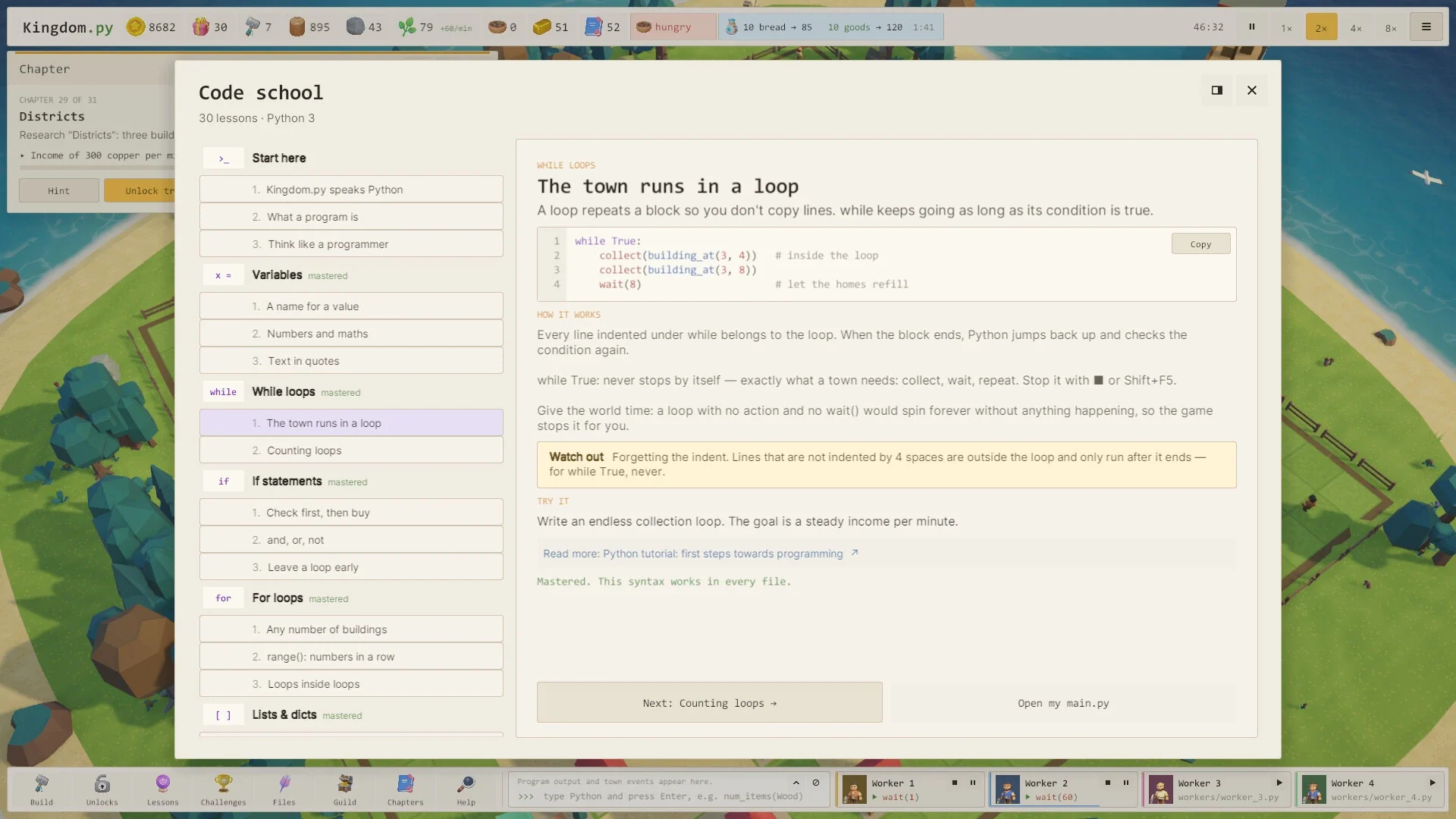
The Code School screenshot is particularly useful for understanding the teaching approach. Its loop lesson shows two collection calls inside while True, followed by a wait. It explains indentation, warns what happens when a line sits outside the loop and gives the player a related task. The town provides the reason to repeat the instructions; the lesson explains how to express that repetition.
That is more informative than simply labelling the game educational. It suggests an approach built around examples, an immediate result and a problem you can revisit. The store also describes hints and reference solutions. None of that establishes how smoothly the learning curve works for a complete beginner, though. I have not tested it as a course, and the developer's estimated completion time is not a measured learning outcome.
A town builder that keeps giving your programs more responsibilities
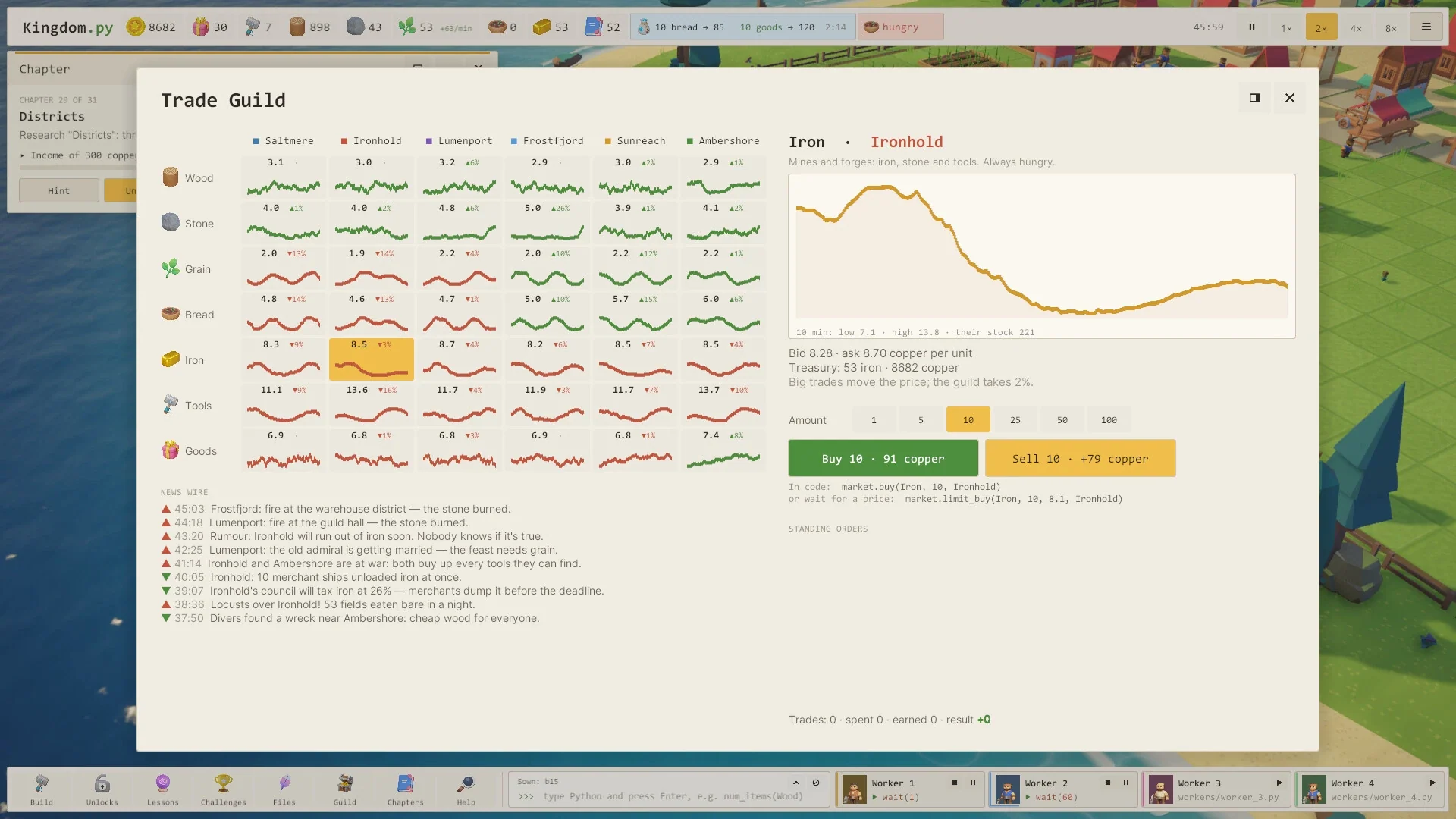
Grain becomes bread, mines consume bread, and smithies turn iron into tools. Those dependencies give you reasons to check stocks and coordinate work instead of repeating one action indefinitely. Trade adds timing: prices move across six neighbouring islands, while merchant ships leave if their cargo is not ready. Bandits can also row in and rob homes unless a guard reaches them first, adding another job your heroes need to handle.
There is a stranger layer to the simulation as well. Townspeople work, socialise, form relationships and age. According to the developer, their personalities are represented by small Python functions, which children inherit from their parents. You can also write shift programs for jobs and compare the results of different routines. These are the developer's descriptions of the simulation, not a claim that I have tested every possible interaction.
For someone who already codes, the attraction may be seeing how far that system can be pushed. For a newcomer, the more immediate question is simpler: can you write a routine that keeps the town supplied without constantly intervening?
Roman's three-year project has three clear influences
In the official October development introduction, Roman says he spent almost three years making Kingdom.py. He names The Farmer Was Replaced, RimWorld and SimCity as its main influences, and explains what each contributed.
The Farmer Was Replaced supplies the idea of programming workers and unlocking language features through progression. RimWorld is the reference for townsfolk with traits, moods and relationships. SimCity contributes the economy, urban problems and large civic projects. That is a useful explanation of the game's ambitions; it does not mean Kingdom.py has the depth or polish of all three combined.
Roman also describes a surprisingly literal coding environment. The game includes CPython and libraries such as NumPy, pandas and Matplotlib. Scripts are ordinary .py files that can be edited in VS Code. Git introduces branches and merges, while neighbouring islands can send pull requests: proposed code changes for you to inspect before accepting them. Even network requests get a town-world joke, with pigeons carrying them.
Try it for the coding loop, not a guaranteed shortcut to learning
Kingdom.py looks most relevant if you enjoy automation and want your first useful program to have a visible consequence. You can start by making a worker do one job, then turn that action into a routine, then improve the checks around it as the town becomes more demanding.
The demo is the sensible place to test whether that way of learning suits you. Look at how clearly errors are explained, whether you understand why your worker stopped, and whether changing the code feels rewarding rather than like an obstacle between you and the town. The concept is appealing; its effectiveness as a beginner's learning tool still deserves a hands-on check.
Screenshots