
Steam Personal Calendar: find games beyond the charts
Find Steam's Personal Calendar, understand its recommendations and use wishlist, Early Access and DLC filters to discover your next game.

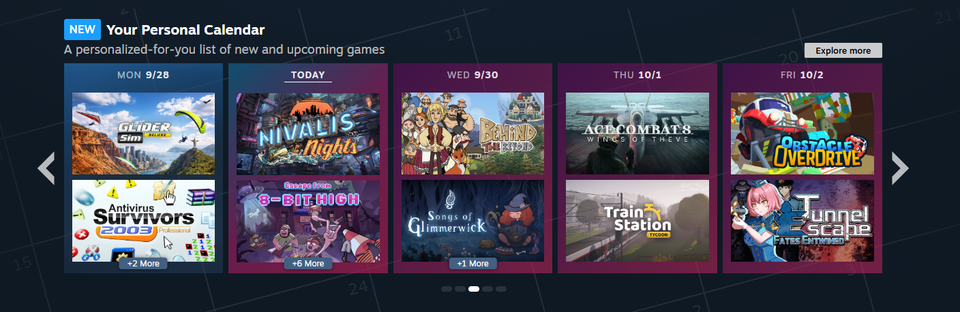
Steam Personal Calendar puts recent and upcoming releases on a timeline built around what you play. Open a day, browse the recommended games and check anything that looks promising. It is useful when you want a new game that fits your habits, including smaller releases you might miss in the charts.
Valve made it a regular Steam Store feature on October 23, 2026. If you have used it before, you have not imagined it: the calendar first appeared as a Steam Labs experiment in October 2025.
Where to find Steam Personal Calendar
Open your Personal Calendar and sign into Steam. You can also find a calendar section on the Store homepage. The dedicated page gives you an eight-week view, with games grouped by release date. The Steam Store homepage shows a shorter selection, so open the full calendar if you want to browse further ahead.
Pick a day, open a game that catches your eye, then check its Store page before wishlisting or buying. A calendar recommendation tells you that Steam thinks you might be interested. You still need to check what the game actually offers.
Valve says the feature supports desktop PC, mobile devices and SteamOS devices. Browsing it on a phone does not mean a recommended game runs on that phone: check the game's supported platforms and system requirements before buying.
How Steam Personal Calendar works
Steam looks for people with playtime profiles similar to yours, then considers the games those players wishlist or play. The games you spend substantial time in matter more than something you briefly tried.
The machine learning model is refreshed daily, although Valve says you should not expect a dramatically different selection every morning. New releases and newly confirmed dates also move through the calendar over time.
That makes this a different starting point from a bestseller chart. Your next game might come from the habits of people who enjoy the same things you do, rather than whatever is attracting the biggest crowd today. Valve says game developers cannot buy a place in the calendar. These personalized recommendations are automatic, rather than a hand-picked editorial list.
Will it only show games like your recently played ones?
Valve says it tries to avoid a filter bubble. A suitable game in your usual genre will not necessarily launch every day, so the calendar draws from a wider pool of releases across genres. Your playtime influences the recommendations without turning each date into another version of your most-played game.
That is worth keeping in mind when an unfamiliar title appears. Open its Store page and look at the gameplay before dismissing it because the name or genre is new to you. The calendar can help you find popular and niche games; whether either suits you still needs a closer look.
Wishlist, Early Access and DLC filters
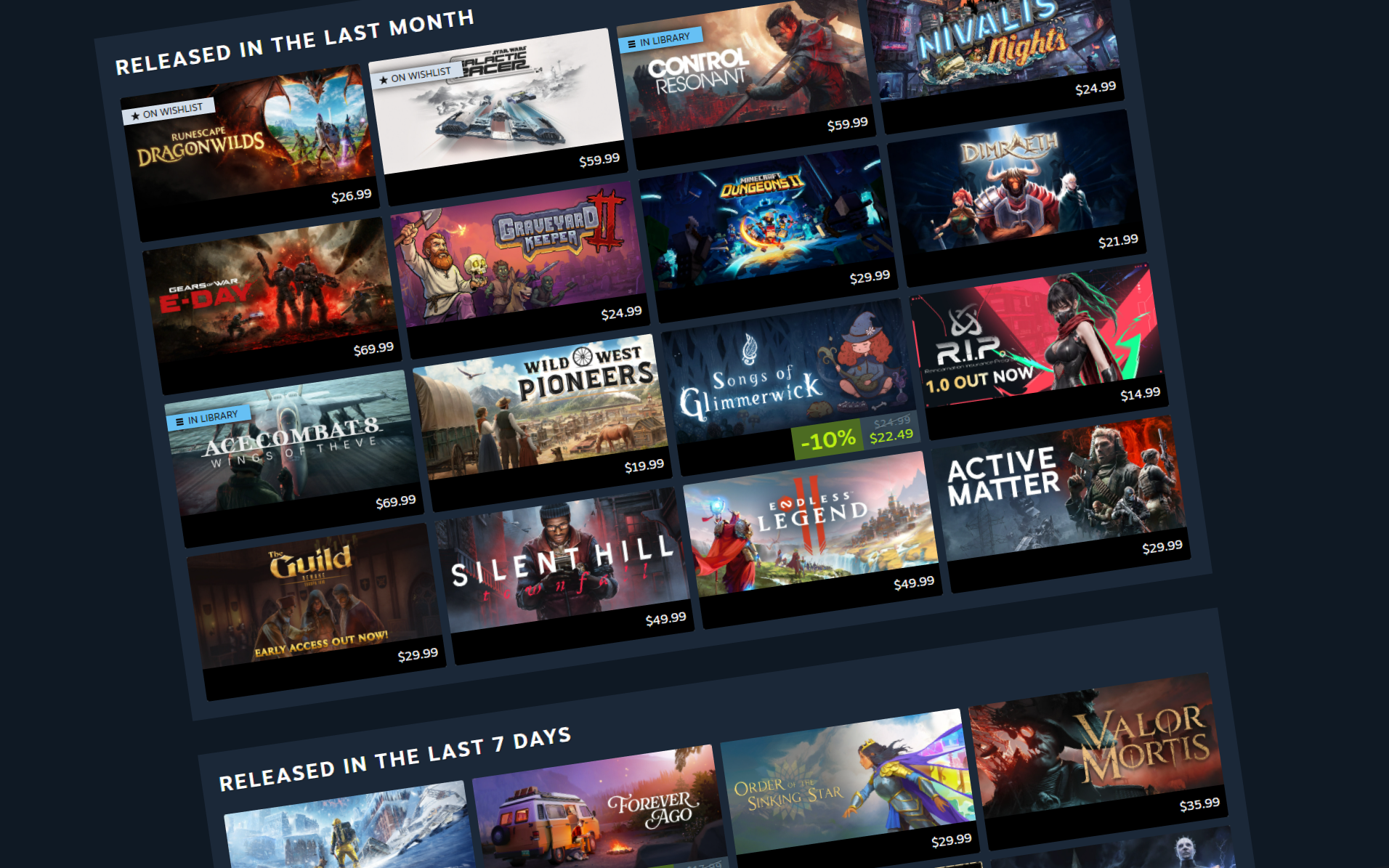
Games on your wishlist appear as reminders in the calendar unless you choose to hide wishlisted games. Keep them visible to track releases you already care about, or hide them when you want unfamiliar suggestions.
The calendar also includes controls for Early Access titles and DLC. Those are useful distinctions when you already know what sort of evening you want:
- Want a finished release? Check the Early Access options, then confirm the game's current status on its Store page.
- Interested in an expansion? Keep DLC visible, but check what you need to own before buying it.
Early Access games moving to version 1.0 can appear too. A familiar name on the calendar may therefore mark a full release rather than a brand-new game.
Why an upcoming game might be missing
Two players can see different calendars. A game missing from yours has not necessarily been delayed, cancelled or judged unworthy. This is a recommendation system, so use the developer's Store page for a particular game's date.
For upcoming games, Steamworks requires a visible Coming Soon page with a specific release date. A vague release window is not enough. That gives you another reason to check the original Store page when you are following one particular game.
Steamworks documentation also says demos do not appear in the calendar, while DLC can appear for players who own the base game. If you want something free to try first, you will need to look beyond this view.
For a broader dated overview, Crit Pick's release timeline is a separate place to browse. The useful combination is a wide view when you want to know what is coming, and a personal one when you want help choosing what to investigate next.
Sources
Checked October 25, 2026. Feature explanations are based on Valve's announcement and Steamworks documentation; this is not a test of an individual account's recommendations.