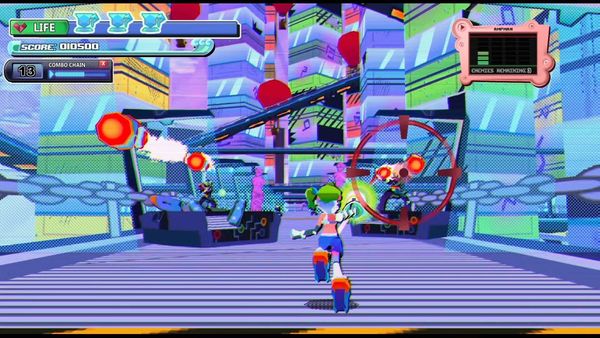
Fedora gaming for one year and going
A year of gaming on Fedora with an NVIDIA card and a 2019 board — what ran out of the box, what needed a nudge, and the one game I lost.


In May 2025 I wiped Windows off my main machine and installed Fedora — not a spare laptop, not a dual-boot safety net, my actual gaming PC, the one I play on every night. Fourteen months later it’s still here, and the short version is this: I gave up almost nothing — one game, and one modding tool. That’s the whole tally.
I want to be careful with that claim, because “everything works on Linux now!” posts have a way of quietly skipping the parts that didn’t. So here’s the honest accounting of a year of gaming on Fedora — the hardware, what ran, what needed a nudge, the single title I lost, and whether I’d tell you to do the same.
The setup: NVIDIA, a 2019 board, and Fedora 44
Here’s the part that makes this more interesting than the average switch story. I’m not running the recommended Linux gaming hardware.
The card is an NVIDIA RTX 4070 Ti. For years the standing advice has been “if you want Linux gaming, buy AMD” — NVIDIA on Linux was the punchline. I went the other way, and I’ll get to how that turned out in a second.
The rest is not a fresh build either: a Ryzen 9 3950X on an ASUS ROG Strix B450-F, a board and BIOS from 2019, 32 GB of DDR4. The GPU is modern; everything under it is six-plus years old. I mention this because the other quiet assumption behind Linux gaming is that you need a perfectly curated, bleeding-edge setup. I didn’t have one.
Software-wise it’s Fedora 44 with KDE Plasma, kernel 7.1.5, root on Btrfs with zstd compression, games parked on separate ext4 drives. Drivers came from the proprietary NVIDIA akmod packages via RPM Fusion — installed once, rebuilt automatically on kernel updates, then forgotten about. (NVIDIA’s open-source driver work is ongoing but still incomplete in 2026, so the proprietary build is the one I run.) That “forgotten about” part is the whole story.
The NVIDIA-on-Wayland question everyone asks
If you’ve read anything about NVIDIA Linux gaming in the last few years, you know the Wayland horror stories: screen tearing, stutter, flickering, apps that wouldn’t render right. It was a real problem and it was NVIDIA’s fault.
It’s also over. NVIDIA shipped proper explicit sync support in the 555 driver back in 2024 and refined it through the 570 series, and that was the fix — the thing that had made NVIDIA-plus-Wayland a mess for a decade. By the time I installed Fedora, on KDE Plasma under Wayland, I inherited a fixed situation. I’m not being generous here; I simply never hit the problems the old forum threads warned me about. Millions of people are gaming on NVIDIA under Wayland in 2026, and it turns out I’m just one of them.
So the headline objection to my setup — “you picked NVIDIA, good luck” — didn’t materialise. That’s worth sitting with if it’s the thing holding you back.
What I actually played, and what just worked
Let me set expectations on the word “everything,” because my Steam library has 733 titles and I obviously didn’t test all of them. The honest sample is what I played over the year — dozens of games, and the reason that sample matters is that it’s genuinely all over the map. I’m not a three-AAA-shooters player whose taste happens to line up with Proton’s strengths.
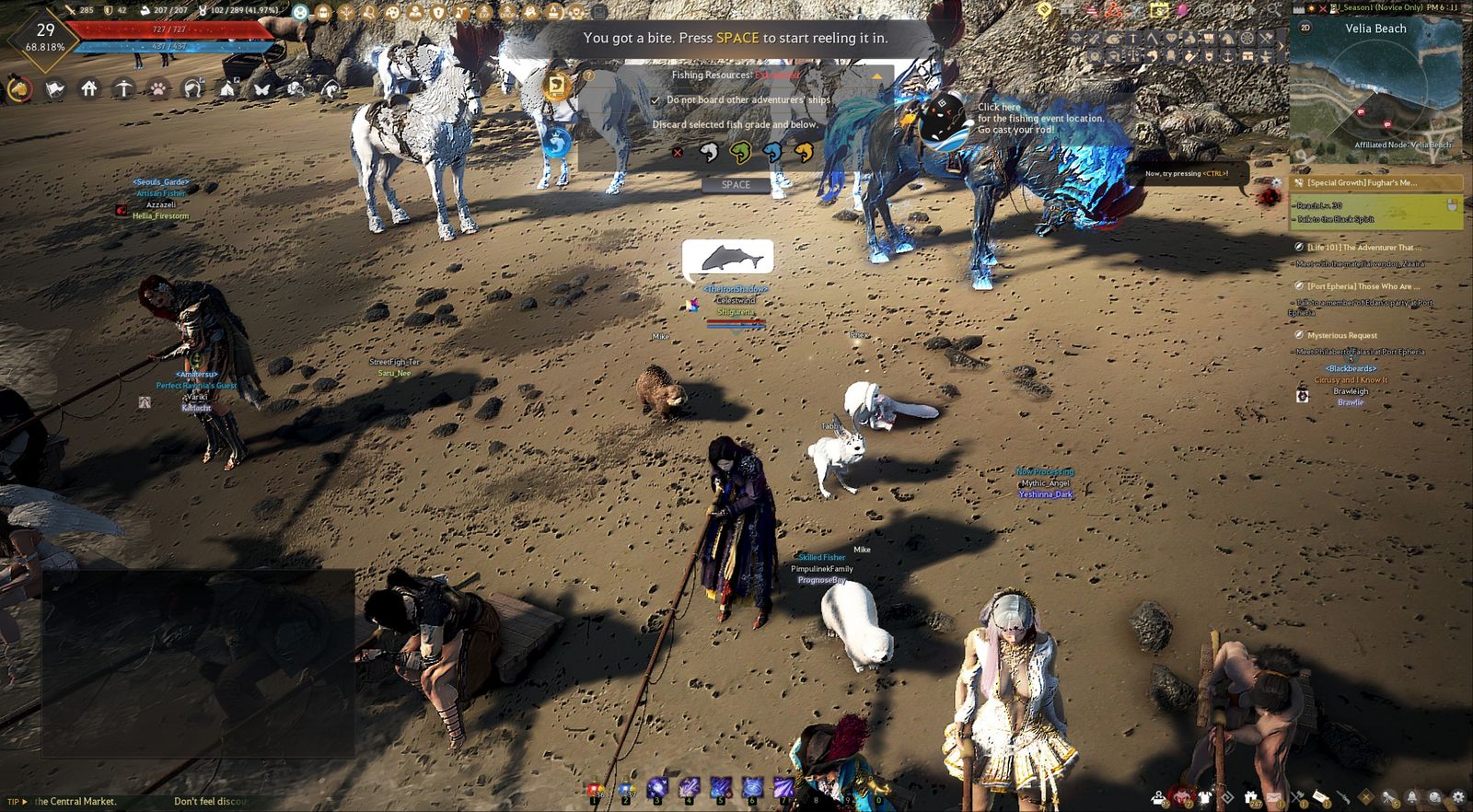
The mainstays — Guild Wars 2, Final Fantasy XIV, RimWorld, Black Desert Online — all ran without ceremony. Big MMOs with their own launchers and patchers are exactly the kind of thing you’d expect to fight with, and I didn’t.
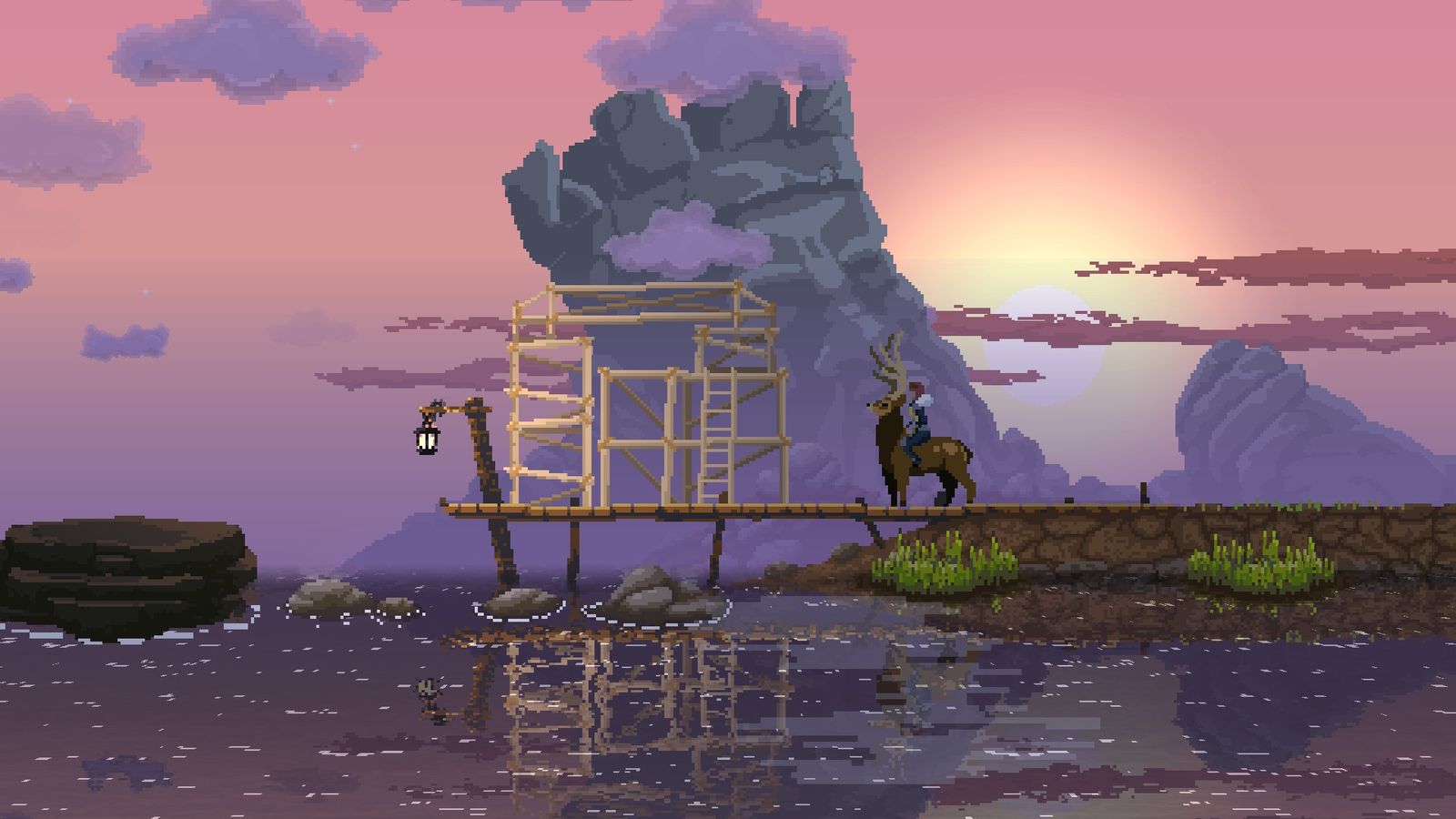
The cozy and simulation pile — the shop sims, the farming and life games, the management titles — is where Proton quietly shines and nobody talks about it, because these games never make the “will it run on Linux” headlines. They just run. The strategy shelf — Total War: Warhammer III, Age of Wonders 4, the 4X and grand-strategy stuff — no issues. Both even ship native Linux ports, and I don’t use them; I run the Proton versions instead. Which brings me to the strangest thing I learned all year.
And the anime and gacha corner, the category people assume is a lost cause on Linux: the mahjong and tile games are fine, the JRPGs are fine, and Umamusume: Pretty Derby — the title everyone flags for anti-cheat — ran on my Fedora desktop too.

Anti-cheat: the part everyone warns you about
This is the real battleground for Linux gaming, so let’s be specific instead of hand-wavy. The old fear was that anything with anti-cheat was dead on arrival. That hasn’t been true for a while: both Easy Anti-Cheat (owned by Epic Games) and BattlEye shipped Proton support, and the developer just has to flip it on for their game. When they do, the game works. When they don’t, it doesn’t — and that distinction is the whole game now.
On the “it works” side of my library, the co-op games got the most honest testing of anything I own — because most of them I played with my husband (my fiancé when the year started), night after night, not booted once to tick a box. Sea of Thieves and Darktide, both with anti-cheat switched on, ran without drama. So did the rest of the co-op rotation:
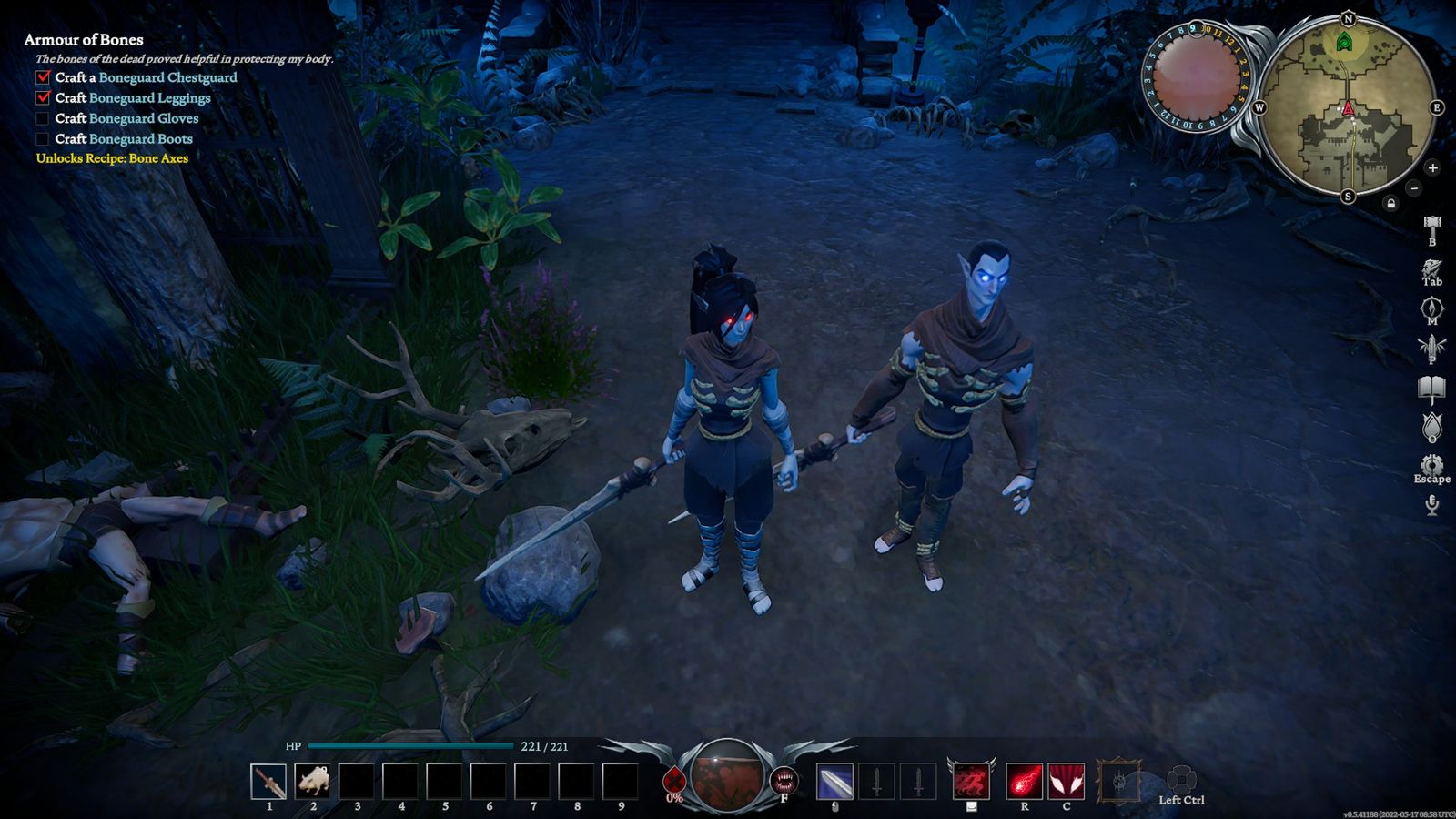
- Space Marine 2 · V Rising · Payday 2 · Helldivers 2
- Luma Island, and the horror co-op nights — Ghost Watchers, Dark Hours
If a game had a second player on the other end, it worked. Helldivers 2 is the honest asterisk — early in 2026 it broke after an update and wouldn’t launch cleanly on stock Proton. I run it under Proton-GE (more on that next), which sorted it; a Proton Hotfix later landed upstream and fixed the stock version too. That’s the pattern worth internalising: when something on Linux breaks, it usually breaks briefly and gets patched, rather than staying broken.
The games that needed a nudge
I’d be lying if I said all of it was one click. But the most common “fix” isn’t exotic — it’s Proton-GE, the community build of Proton with extra patches and codecs baked in. I run a good chunk of my library on it — Helldivers 2, Wuthering Waves, and others. I install and manage these builds with ProtonUp-Qt, which fetches Proton-GE and drops it into Steam in a couple of clicks; from there, moving a game off vanilla Proton is a per-title toggle. Once it’s in your toolkit it stops feeling like a workaround and starts feeling like the default.
The one that actually fought me was Chaos Zero Nightmare. Proton-GE wasn’t enough; it needed DW-Proton, a more specialised fork, and getting there was a slog — the kind of evening spent reading ProtonDB reports and swapping runtimes until something finally boots. It runs now. I wouldn’t call it pleasant, and it was the exception, not the rule.
That’s the real texture of a year on Linux: most things just work, a fair few are happiest on Proton-GE, and exactly one made me work for it. ProtonDB is the map that tells you which is which before you waste an evening guessing.
The one thing I lost: Teamfight Tactics
Here’s the single casualty of the whole year, and it’s worth telling honestly because it’s the one place the “everything works” story breaks.
I can’t play Teamfight Tactics anymore. Riot’s Vanguard anti-cheat is a kernel-level system that refuses to run under Wine or Proton — Riot’s position is that they can’t attest the boot state and kernel on Linux, so they simply block it. TFT shares League of Legends’ client and its Vanguard requirement, so it’s gone with it. Riot added an optional on-demand Vanguard mode in mid-2026, but it’s Windows-only and does nothing for Linux, with no signal that will ever change.
There’s one honest asterisk beyond a game, too: modding Skyrim with Wabbajack. Skyrim itself runs fine — it’s in my library and plays without fuss — but Wabbajack, the automated modlist installer, I could not get working on Linux, and I tried. It’s a Windows tool that wants deep access to your game install, and on Fedora it fought me the whole way. If your Skyrim is really a 300-mod Wabbajack list rather than the base game, budget for that being the hard part.
The other honest gap isn’t really a gap: VR. I moved to a standalone Meta Quest early in 2025, so VR never touches this machine. I can’t tell you how PC-tethered VR fares on Fedora because I don’t do it anymore — not that it failed, just that it’s out of scope.
Performance: high, ultra, and no stutters at 1440p
No formal benchmarks here — I didn’t spend the year with a frame counter running. What I can tell you is the lived experience: at 2560×1440, everything I played ran on high or ultra settings, mostly ultra, with no stutter and no hitching. Smooth, the whole time. Under the hood, Proton translates each game’s DirectX calls to Vulkan on the fly, and on modern hardware that translation costs far less than the old “Linux tax” wisdom assumes.
I do have one clean comparison, as it happens. My husband runs the same setup I do — same hardware, just on Windows 11 — so now and then we stumble into an accidental benchmark.
That’s the honest shape of Linux-vs-Windows gaming in 2026: not a flat tax I pay, just a trade that lands differently game to game, and sometimes squarely in Linux’s favour.

The gaming distros I bounced through before Fedora
Fedora wasn’t my first stop — it wasn’t even my second. My Linux path was a loop: off to Windows and back, through a few distros, before Fedora finally stuck. If you’re comparing Linux distros for gaming, here’s the honest tour.
Pop!_OS
Pop!_OS was my very first attempt, two or three years ago. It’s the distro everyone points NVIDIA users to — System76 builds it on top of Ubuntu with painless GPU handling and a gaming-ready setup out of the box. What ended that run wasn’t Pop’s fault: I wanted to play Honkai: Star Rail, and back then it simply wouldn’t run on Linux. So I did the thing almost everyone does at least once — sighed and booted back into Windows.
CachyOS
When I came back to Linux for good, Fedora was the landing spot — but I hopped once more to see if the grass was greener. CachyOS is the enthusiast pick: an Arch-based, rolling-release distro tuned aggressively for performance, benchmarks that regularly lead the pack. The catchy name got me, fittingly. In practice it didn’t last — an update broke it on me, and even before that I was getting worse FPS than I do on Fedora. Rolling-release speed is real, but so is rolling-release fragility.
Ubuntu
Ubuntu was the comfortable option — the most widely supported distribution there is, and the place my Minecraft servers had always lived, so it felt like home. The problem was blunt: the frame rates were grim. Whatever the cause on my hardware, gaming on Ubuntu gave me noticeably worse performance than I was used to, and that alone sent me back.
Why Fedora Linux won
Fedora simply gave me the best frames and the least drama, so I stopped hopping. It ships recent kernels and graphics stacks quickly — the things gaming actually benefits from — without being a bleeding-edge rolling release I have to babysit the way CachyOS wanted me to. And it quietly handles the tweaks other setups leave to you: Fedora already raises vm.max_map_count to a gaming-friendly value by default, so the memory-mapping crashes that hit certain games on a vanilla configuration never once showed up for me. I run KDE Plasma; GNOME is right there if you prefer it, and the desktop choice never changed how a game ran.
And the whole approach is validated by hardware you can buy off a shelf — including the one on my coffee table. I own a Steam Deck, and it runs SteamOS: a Linux operating system built on the same Valve Proton technology this whole post is about. Same tech, two form factors, both in my house — the handheld for the couch, the Fedora rig for everything else. When people call desktop Linux gaming exotic, I’m holding the mass-market proof that it isn’t.
Is Fedora good for gaming? My honest answer after a year
If you’re asking whether Fedora is a good distro for gaming specifically: yes, with one caveat that’s about you, not the software. What makes it work is boring and reliable. Steam with Proton does the heavy lifting; ProtonDB tells you a game’s status before you buy; Proton-GE and Lutris exist for the handful of titles that want a nudge. Going from a Windows habit to gaming on Fedora is a short list:
The caveat is honesty about your library. Run your most-played games through ProtonDB right now — it’s a ten-minute check that answers the whole question.
- Your library is broad — sims, JRPGs, MMOs, co-op
- You want current kernels without babysitting a rolling release
- You’re on NVIDIA and were told not to bother
- You already own (or want) a Steam Deck
- Your nights are built around a Vanguard game — Valorant, League, TFT
- You lean on a kernel-anti-cheat competitive shooter
- You need PC-tethered VR as your main thing
- You build big Wabbajack modlists for Skyrim or Fallout
For me the ledger was one game. Your ledger might be zero, or it might be the one game you can’t live without — and that’s the question to answer before you wipe Windows.
And “going” is the right word, because the ground keeps shifting in my favour. I just moved up to Fedora 44, which wires in NTSYNC automatically — a kernel-level way of handling Windows game thread synchronisation that used to need manual setup, aimed squarely at cutting stutter in CPU-heavy games. I didn’t configure a thing; the upgrade did it for me. The trend line for gaming on Fedora points the same direction the whole year did: less tinkering, not more. A year in, I’m still here, and I’m not planning to switch back.
FAQ
Is Fedora good for gaming?
Yes. Steam and Proton handle the vast majority of titles, Fedora ships recent kernels and graphics stacks fast, and after a one-time NVIDIA driver setup it stays out of your way. The only real blocker is games with kernel-level anti-cheat that the publisher hasn’t enabled for Proton — check your own most-played list on ProtonDB first.
Does gaming perform worse on Linux than on Windows?
Not in my experience. On identical hardware, my husband’s Windows 11 machine gets about 30% fewer frames in Helldivers 2 than my Fedora box — though Total War: Warhammer III runs a little smoother on his. It’s a trade that lands differently per game, not a flat “Linux is slower” tax, and everything I played ran on high or ultra without stutter.
Does NVIDIA work for gaming on Fedora?
Yes, and this is the part that surprised people. Install the proprietary driver (akmod via RPM Fusion) once and it rebuilds itself on kernel updates. The old NVIDIA-on-Wayland problems were fixed by explicit sync in the 555 driver back in 2024; by 2026, on an RTX 4070 Ti under KDE Plasma, it’s a non-issue.
What games don’t work on Linux?
The reliable dead zone is titles with kernel-level anti-cheat the developer hasn’t enabled for Proton — Riot’s Vanguard games (Valorant, League, Teamfight Tactics) are the standout. Plenty of other anti-cheat games work, because Easy Anti-Cheat and BattlEye both added Proton support. Check ProtonDB for your specific library rather than assuming.
Do I need to tweak anything to game on Fedora?
Mostly no — install the NVIDIA driver, flip on Steam Play (Valve’s name for Proton) in Steam’s settings, and play. A small number of games want a launch option or a Proton-GE build, which ProtonUp-Qt installs in a couple of clicks. It’s the exception, not the routine.
Is Fedora or Pop!_OS better for gaming?
Both are good; it comes down to how much you want to tinker. Pop!_OS is the more hands-off, NVIDIA-friendly option out of the box. I ended up on Fedora for its fast, current kernels and graphics stacks and because it quietly handles gaming tweaks by default — and I run NVIDIA on it without trouble. Try Pop!_OS if you want zero setup; Fedora if you want current-and-tidy.
Can you play Steam games on Fedora?
Yes. Install Steam, enable Steam Play for all titles, and most of your Windows library runs through Proton — the same technology the Steam Deck uses. Over a 733-game library across every genre, the only title I couldn’t play at all in a year was Teamfight Tactics, because of its kernel anti-cheat.