Hytale WorldGen V2 Explained: Orbis, the Node Editor, and What Changes from V1
Hytale WorldGen V2 rebuilds world generation around a no-code node editor. Here's how it works, V1 vs V2, Orbis, biomes and the release timeline.

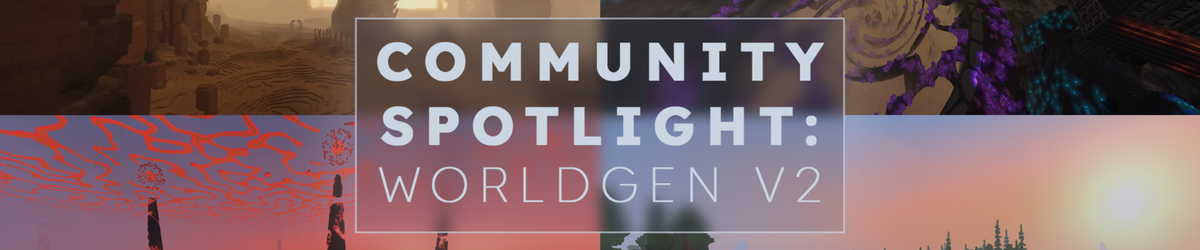
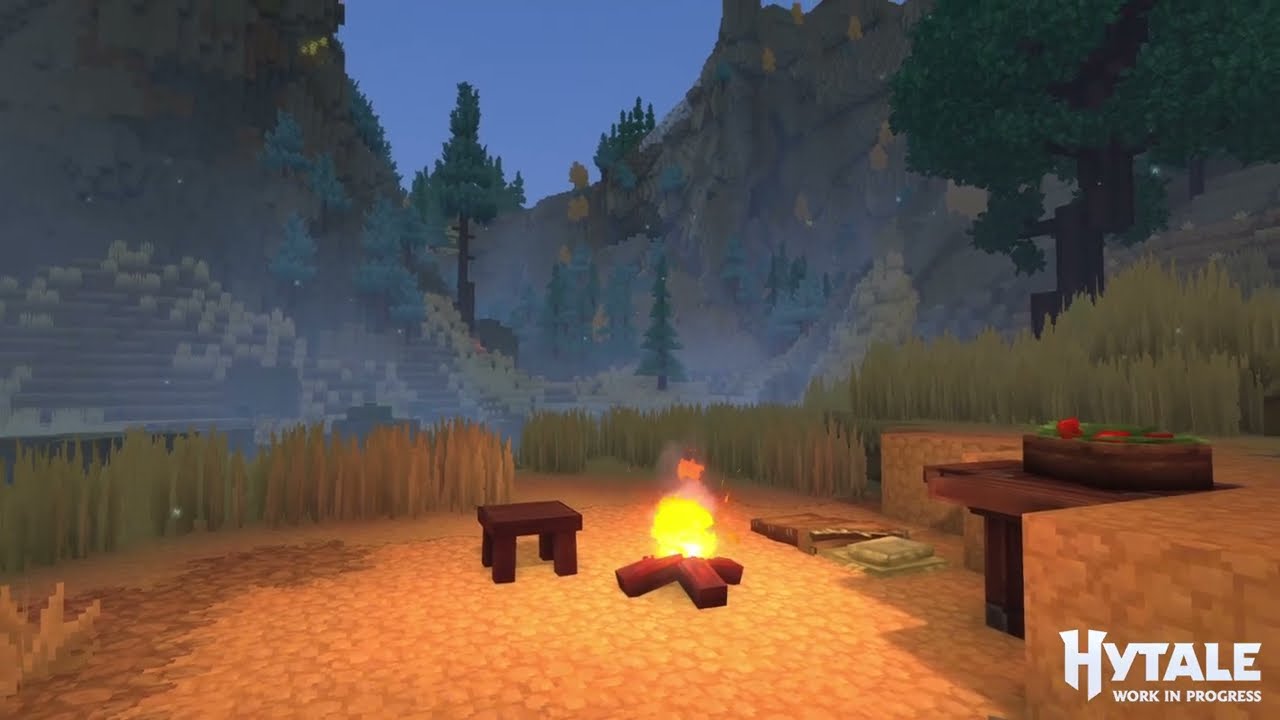
Hytale’s biggest system isn’t a boss, a dungeon, or a combat rework. It’s the ground you stand on. Hytale WorldGen V2 is a complete, ground-up rebuild of how Hytale creates its worlds, and it quietly changes who gets to build them. Where the old system needed engineers, V2 hands terrain, biomes, and structures to artists and players through a visual node editor.
This guide is for Hytale players, modders, and world-builders who want to understand the new world generation system and how it changes the creative process — what WorldGen V2 actually is, how it works under the hood, how it differs from V1, and when you can expect it to become the default.
What is Hytale WorldGen V2?
Hytale WorldGen V2 is the game’s next-generation procedural world generation system, in development at Hypixel Studios since 2021. The original system, V1, was built as an early prototype (around 2016–2020) and powers the Exploration Mode worlds players got at early access launch on January 13, 2026. V1 works, but it hit hard technical ceilings once the team wanted more zones, more complex biomes, and more terrain variety.
V2 is the answer to those ceilings. It’s not a patch on V1 — it’s a new pipeline designed to be scalable, modular, and built for designers rather than programmers. The studio’s stated goal is for the world itself to become “the main character of Hytale,” and V2 is the system meant to carry years of content beyond launch.
World Gen V1 vs V2: what actually changes
The jump from V1 to V2 isn’t just prettier terrain. It’s a change in who can create worlds and how the terrain is built in the first place.
| World Gen V1 (current) | World Gen V2 (coming) | |
|---|---|---|
| Built | ~2016–2020 prototype | In development since 2021, shipping in pieces now |
| Role | Powers current Exploration Mode worlds | The 1.0 generator, supported long-term |
| Biome complexity | Limited; struggles with complex zones | Independent terrain shaping per biome, clean blending |
| Creator access | Requires deep technical knowledge | Visual node editor, no code required |
| Future | Eventually stops generating new chunks | Replaces V1 once Orbis is ready |
The node editor: world generation without code
The headline feature of Hytale WorldGen V2 is its visual node editor — a user-friendly tool that lets you build and modify world features visually, without programming. You build terrain, biomes, structures, and generation logic by connecting nodes together, then watch the world live-reload in-game as you tweak. No programming background required — Hypixel Studios has been explicit that every community world it has showcased was made by artists and builders, not coders.
That accessibility is the whole point. The studio is even turning “World Designer” into a real, paid role hired primarily from the community, and has already doubled the size of its level-design team. The engine is far enough along that the bottleneck is now content, not code. For modders who want to go deeper, V2 also exposes multithreaded modding APIs with full control over terrain, structure, and gameplay logic.
.jpg)
How WorldGen V2 works: densities and material providers
Two concepts get you most of the way to understanding V2: densities and material providers. More than any single node, V2 emphasizes creating relationships between world features during generation, so terrain, materials, and props reference and react to each other rather than being placed in isolation.
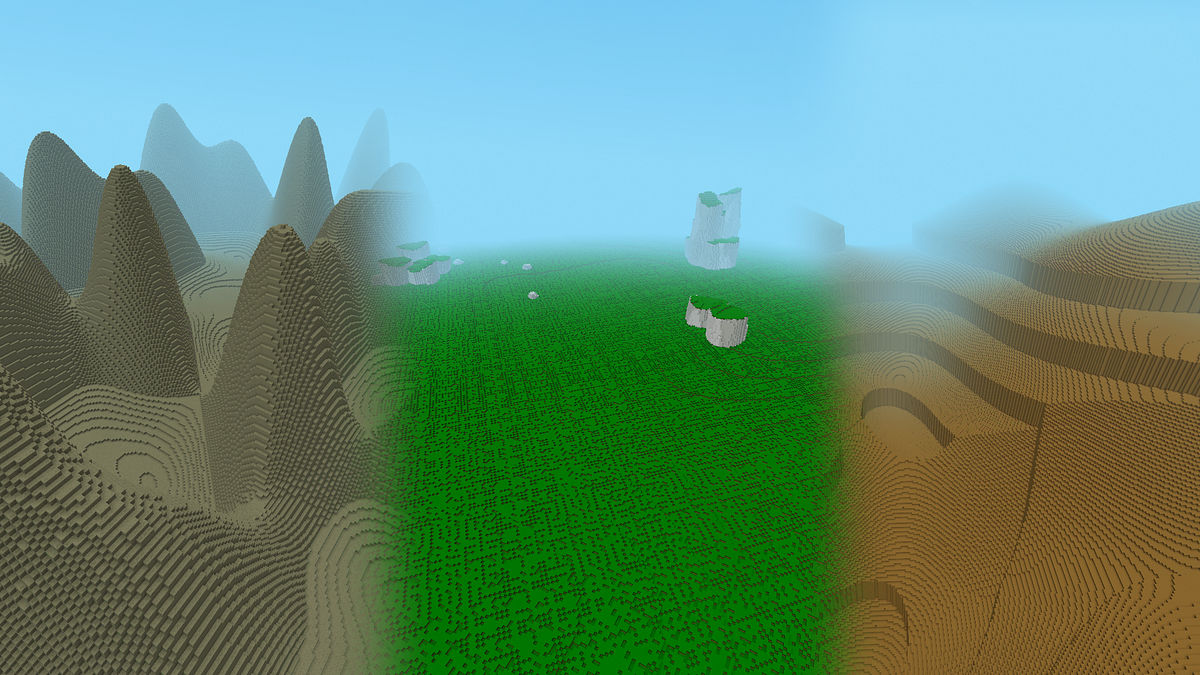
A density is a 3D grid of numbers, one value per block. If the value is above zero, the block is solid; if it’s at or below zero, it’s air. The surface where density equals zero is the shape of your world. Add a simplex noise function to that density (multiplied by a constant to control amplitude), and flat ground becomes rolling hills. Raise the frequency for smaller, denser features; lower it for broad landforms.
A material provider then decides what those solid blocks are made of. Using a queued provider, you layer materials by priority — try one layer of grass, then two of dirt, and fall back to stone only where nothing else applies. To place trees, props, and points of interest, V2 uses runtime nodes driven by a 2D positioning grid, a prefab to spawn, placement conditions, and a scanner. Hytale already has around 7,000 prefabs — everything from individual trees and rocks to villages, ruins, and multi-room dungeons — and each one carries its own placement rules for ground type, elevation, allowed biomes, and spacing.
.jpg)
Why Hytale’s terrain feels different from Minecraft
Here’s the conceptual heart of it. In Minecraft, the engine builds a core terrain shape first, then paints biomes over it. In Hytale, it’s reversed: the biome generates the terrain.
That flip is why a Hytale volcano biome can carve its own lava floor, ring itself with cliffs, and still transition smoothly into the biome next door — something that’s very hard in Minecraft’s model. The trade-off is that biome borders can produce hard seams, so creators have to define which biomes can neighbor each other and how they blend across the edge.
.jpg)
The world structure: zones, biomes, and caves
Hytale’s world generation uses interconnected systems for biomes rather than one monolithic generator. Under the hood, a world is built from three of them that all respect the same zone boundaries: zones, biome patterns, and caves.
Zones are the large-scale regions. Each major zone carries its own coherent regional theme, its own world generator, and its own set of prefabs, creatures, and elemental affinity. Biome patterns work one level down: within a zone, a biome-pattern generator uses noise functions to decide which biomes go where, so a single zone can hold forest, plains, lakes, and ravines that still feel like they belong together. Caves are the third system, carving the underground while honoring the same biome and zone boundaries.
The four zones of Early Access
- Emerald Wilds (Zone 1) — the starting area: plains, dense forests, swamps, and rocky outcrops.
- Howling Sands (Zone 2) — an arid desert of dunes, canyons, and oases, with a Wind (Air) affinity.
- Whisperfrost Frontiers (Zone 3) — snow-covered biomes with taiga valleys, glaciers, winding rivers, and deep caves; a Water (Ice) affinity.
- Devastated Lands (Zone 4) — the high-difficulty endgame: volcanic islands of fire and lava.
Underground structures: how Hytale generates caves
Caves in V2 are their own generator, not an afterthought stamped into finished terrain. The system builds cave networks from a hierarchy of shapes — tubular pipes for classic corridors, ellipsoidal chambers, angular caverns, and prefab-based rooms for dungeons and ruins — branching recursively downward to create interconnected routes and chambers that feel natural rather than random.
What keeps all of this coherent is biome masks, which give caves placement control on a per-biome basis through three permissions: whether a cave can start in a biome, whether it can carve geometry there, and whether it can branch onward. That lets a cave system pass through one biome untouched and open up in the next — sophisticated underground structures that still respect zone boundaries.
Building custom biomes and zones
Because every biome is a self-contained tile, creators can build their own biome pattern from scratch or remix an official one. In Creative Mode you open the node editor, copy an example biome, and reshape its density and material nodes while the world live-reloads around you. Custom biomes can even be conditional — overriding the standard tile biomes only when noise thresholds and parent biome masks are met — so a custom zone can hide rare environments inside an otherwise ordinary region. The same tools Hypixel uses to build Orbis are the ones a Hytale mod uses to build something entirely new.
Environmental patterns: worlds that teach you to read them
One of the most interesting design ideas in V2 is environmental patterns, driven by a feature Hypixel calls pattern scanning (or “heuristics”): terrain features that follow logical, learnable rules based on their surroundings. Log bridges spawn where two shores sit close together. Deep Root trees with dark leaves and exposed roots mark cave entrances below. In the desert zone, yellow trees only grow near water. The result is a world that plays like a map, where experienced players learn to read the landscape for resources and points of interest without ever looking at coordinates.
Orbis and gateways: the new default world
Orbis is the primary world built on Hytale WorldGen V2. At launch, players reach parts of it through gateways while the system is still being tested; once testing wraps, Orbis becomes the standard world for everyone. And Orbis is just the start — the studio has said it plans “many worlds beyond Orbis in the years to come,” needing hundreds of biomes, each with handcrafted prefabs.
What happens to your V1 worlds
If you’ve been building since early access, your progress is safe. Hypixel Studios has been clear:
- Your world is forever. Existing V1 worlds won’t be deleted or reset. V1 will eventually stop generating new chunks, but your world stays playable.
- V1 becomes a relic. Once Hytale leaves early access, you won’t be able to create new V1 worlds. To experience “The Echo” (the V1 world), a friend would have to visit yours.
- Not everything transfers. Some blocks and items can’t move between V1 and V2 worlds; the studio will communicate what does and doesn’t carry over.

Confirmed biomes vs. experimental demos
Confirmed for Adventure Mode: Emerald Wilds (grassland starter zone), the Deep Root Biome (cave-marking ash trees), Howling Sands (desert with water-bound oases), and Whisperfrost Frontiers (frozen rivers, ice-skeleton hordes, giant standing stones).
Then there are the technology demos — not confirmed for Adventure Mode, but a look at the engine’s ceiling: floating-island archipelagos with flying creatures, giant flying whales, underwater cave systems with coral and shipwrecks, and procedural ring worlds hinting at alternate dimensions (“altverses”). Even if Hypixel never ships them, modders and server owners will be able to build worlds like these with the same tools.
Hytale World Gen V2 release date
There’s no official release date. Hypixel Studios has said the system “will take many months to complete,” and the studio is actively hiring 10–15 world designers to build the content it needs. Based on development pace and public statements, the realistic window for V2 replacing V1 as the default generator is mid-to-late 2026, likely alongside the launch of Adventure Mode.
But “release” is the wrong mental model. V2 isn’t one drop — it’s a gradual rollout. Parts are already accessible to modders through gateways, and pre-release patch notes have shipped “World Gen V2 updates” in every build. The engine is here; the hundreds of biomes and prefabs built on top of it are what still need time.

Frequently asked questions
What is Hytale WorldGen V2?
It's a ground-up rebuild of Hytale's world generation, in development since 2021, built around a no-code visual node editor that lets anyone create terrain, biomes, and structures.
When is Hytale WorldGen V2 coming out?
No official date. Parts are already playable for modders; the full switch to V2 as the default generator is expected mid-to-late 2026, likely with Adventure Mode.
What is the difference between Hytale V1 and V2?
V1 (from around 2016 to 2020) is the current, more limited generator. V2 is a new, modular pipeline with a node editor, per-biome terrain shaping, and deep modding support that will replace V1 once Orbis is ready.
Will my V1 world be deleted when V2 launches?
No. Existing V1 worlds stay playable. V1 will stop generating new chunks, and you won't be able to create new V1 worlds after early access, but your builds are safe.
How is Hytale's world generation different from Minecraft's?
In Minecraft, biomes are painted onto pre-generated terrain. In Hytale, the biome generates the terrain, giving creators more control over dramatic landforms like volcanoes and floating islands.
The bottom line
Hytale WorldGen V2 is less a feature and more a foundation. By moving world creation from code to a node editor, Hytale is betting that its best worlds will come from its community — and the early creations coming out of the modding scene suggest that bet is paying off. V1 got Hytale to launch. WorldGen V2 is what the next decade of Hytale is built on.