Steam Frame CAD files are out, with a catch for sellers
Valve releases Steam Frame CAD files for non-commercial use. What accessory makers need to know, reservation windows and the 72-hour purchase deadline.

Hardware news · Valve update, October 9, 2026
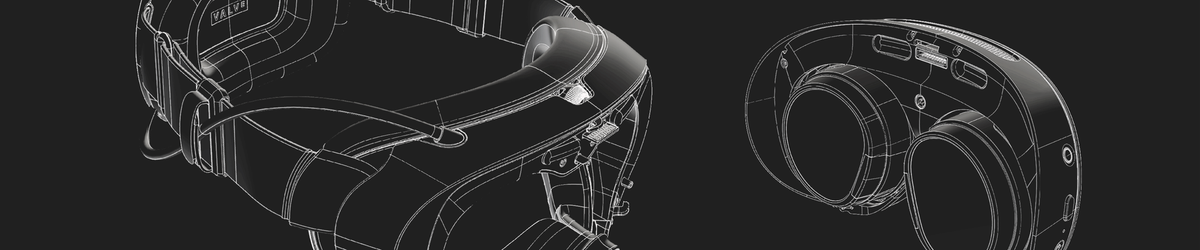
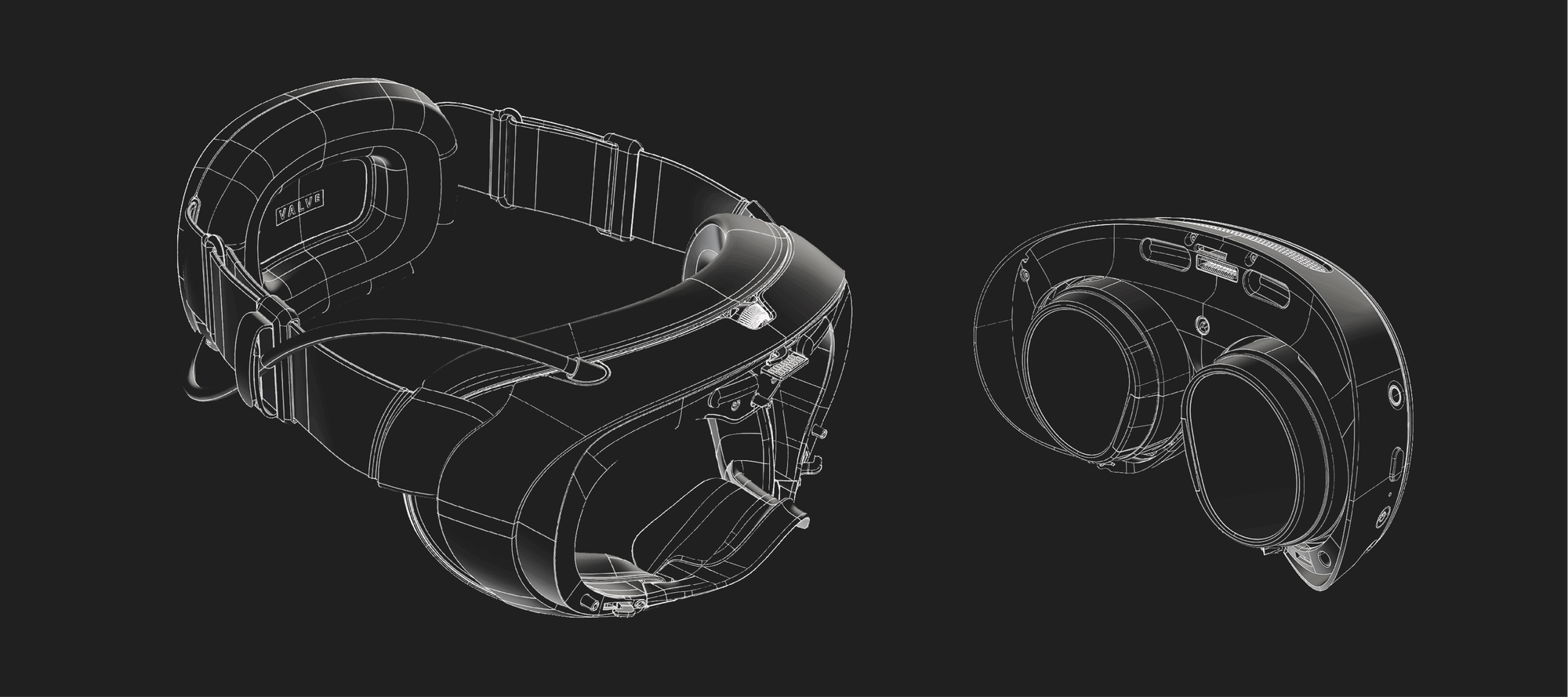
Valve has published Steam Frame CAD files and electrical interface information for non-commercial use. If you want to design something for your own headset, there is now an official starting point. If you want to sell it, Valve asks you to get in touch through the instructions linked with the files.
The same October 9 update also makes the buying process clearer: reservation holders can check their expected purchase-email window, regional queues remain separate, and an offer expires after 72 hours. This is a look at the CAD release, its usage limit, reservation timing and software changes. It is for accessory makers and players waiting on the headset, rather than a hardware review or a CAD modeling tutorial.
Steam Frame CAD files: contents and Creative Commons license
CAD means computer-aided design: the files describe a device's geometry so you can work with its shape in design software. Valve is also supplying electrical interface information. For the hardware community, that should make designing accessories easier than estimating dimensions from photographs. It does not prove that an untested part will fit.
Valve's license file identifies the Creative Commons license as Attribution-NonCommercial-ShareAlike 4.0 International (CC BY-NC-SA 4.0). You can use and modify the materials for your own accessories under its terms. If you share them, attribution and the applicable ShareAlike conditions matter too; the license does not permit implying Valve's endorsement.
The important boundary is non-commercial use. A personal accessory project and a product you plan to sell are different cases. For commercial use, Valve's README directs interested makers to contact the company about a commercial license. Downloading the materials does not give every accessory business an automatic green light.
For example, designing a part for your own setup fits the personal-project question this release helps answer. Turning that design into a shop listing introduces the commercial-use question. You should resolve that before treating the files as a licence to sell.
The first step is to open Valve's Steam Frame repository, linked in the October 9 announcement. The README lists stripped-down CAD for the core module and headstrap, controller CAD and controller LED locations. It also includes expansion-port documentation and two USB 3.0 hub examples: a full example built in Altium and a minimal example built in KiCad. This gives makers references for mechanical parts and electrical connections.
Valve provides these materials as-is and warns that hardware designs can change. Read the expansion-port warnings before connecting your own hardware. The license file also warns about warranty consequences from opening the enclosure or attaching hardware that is not Steam Frame Compatible. Availability of design data does not establish how well a finished accessory will fit or work; that still depends on the design and testing.
Steam Frame reservations: a purchase window, not a delivery date
If you hold a reservation, check the Steam Frame product page while signed into your Steam account. Valve says it will show whether your purchase email is expected by December or in 2027. People in the 2027 group are due to receive more detailed timing information by January.
That is the window for an email offering you a purchase. It is not a promise that the headset will arrive at your door within that period.
Once the offer arrives, you have 72 hours to complete the purchase. If you miss that window, Valve moves to the next person in line. Knowing roughly when to watch your inbox is helpful; the deadline is the part worth remembering.
The waitlist is different. Valve pulls from it when a region's reservation queue is exhausted, and new signups join at the end. Separate regional queues mean movement in another country does not tell you exactly when your own invitation will arrive.
Check your window
Sign in on the product page
Watch for the offer
An email gives you the option to buy
Complete the purchase
Within 72 hours of the email
Steam Frame software updates: streaming and eye tracking
Valve's update also summarises fixes already shipped since launch. For existing users, Valve reports battery-life gains of up to 12% during streaming and local gameplay, depending on framerate and content. That is the company's reported result, not a guaranteed improvement for every session. Other fixes include VR streaming reliability improvements, fixes for Error 17, and controller-binding problems affecting games such as Google Earth VR and Thumper.
Spectator view now uses smoother motion by default. On PC, you can open it through Steam > Settings > Remote Play; it is also available on devices that support Steam Link. That gives someone watching your session a steadier view of what you see in the headset.
There are also new eye-tracking accessibility options: you can limit tracking to one eye and choose a dominant eye for features such as screenshots and spectator view. These are Valve's reported changes, rather than a hands-on performance test by Crit Pick.
Your next step: check the window or the usage limit
If you are waiting to buy, check your signed-in reservation window and keep the 72-hour email deadline in mind. If you already have Steam Frame and want to make an accessory, start with the official files and establish whether your intended use is commercial.
The useful part of this update is the extra clarity. Owners get design information to work with; prospective buyers get a better way to follow their place in the process. Neither removes the need to test an accessory or turns a reservation into a delivery guarantee. The headset has given you another project. Your unfinished Steam library remains available for moral support.
Steam Frame CAD and reservation questions
Can I sell accessories made using the Steam Frame CAD files?
Valve's announcement makes the files available for non-commercial use. For commercial use, it tells you to follow the linked instructions and contact the company. Do not assume that downloading the files also grants permission to sell products based on them.
Where can I find the Steam Frame CAD files?
Valve links its Steam Frame repository from the October 9 Steam Hardware announcement. The release includes CAD files and electrical interface information. Start from that official link so you are working from Valve's source rather than an unattributed repost.
Does a Steam Frame reservation window tell me when delivery will happen?
No. Valve describes the window as the expected timing of the email that gives you the option to purchase. It is not a stated shipping or arrival date. Reservation holders can see their window on the product page while signed in.
How long do I have to buy after the Steam Frame email arrives?
Valve gives you 72 hours to complete the purchase after receiving the offer email. If you do not complete it within that time, the company moves to the next person in line. The clock applies to the purchase opportunity.
Can the Steam Frame waitlist move faster in another region?
Yes. Valve operates separate regional queues and may draw from a region's waitlist when its reservation queue runs out. That can happen sooner in one region than another. Waitlist customers do not jump ahead of existing reservation holders in that region.