Dragonwilds 1.0.1: save fixes and more inventory space
Dragonwilds 1.0.1 adds save fixes and 40 inventory slots. Here are the changes that matter, plus the save problems Jagex says may still remain.

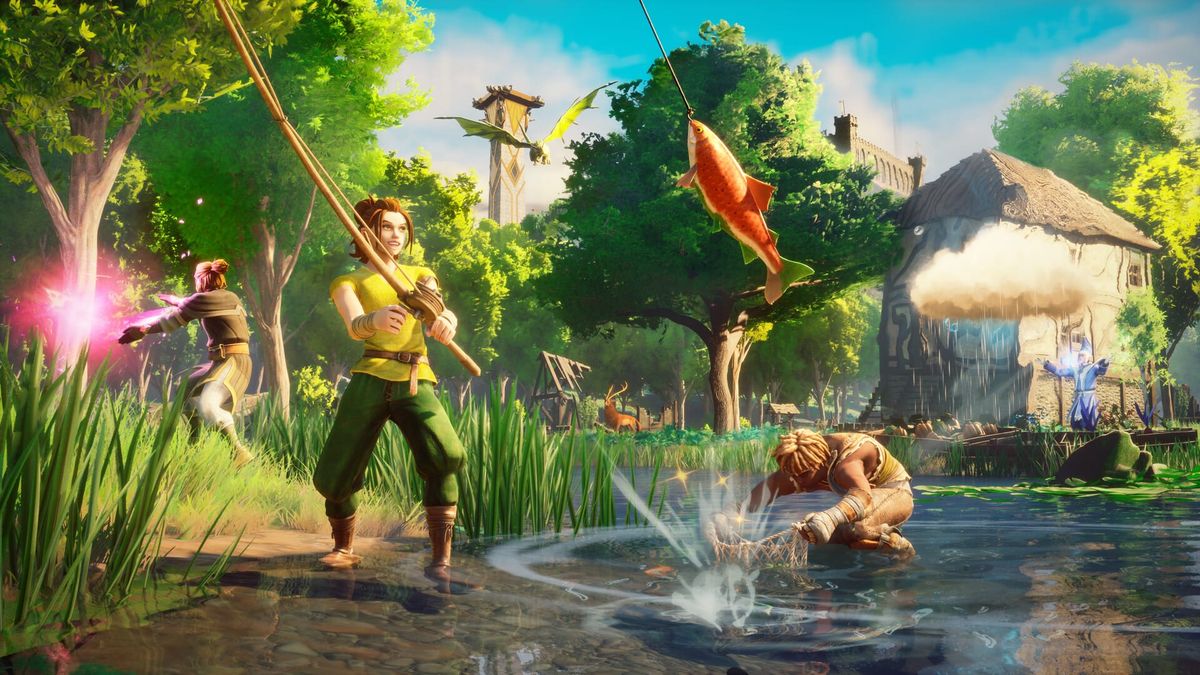
RuneScape: Dragonwilds update 1.0.1 is live. The October 14 patch targets disappearing world saves, adds a catch-up option for corrupted characters and increases inventory space from 32 to 40 slots. If a damaged save made you stop playing, this is the part to check first. Jagex still warns that some save issues remain.
Save fixes come with an important limit
The update addresses reported cases of disappearing worlds. For corrupted character saves, Jagex also describes a way back in with aggregated stats and Tier 4 equipment.
That distinction matters. A catch-up character is a way to resume playing; it is not a promise that every lost character or world will return exactly as it was. The developer is still gathering reports about other save failures. Treat this as a recovery update with remaining cases, rather than a blanket all-clear.
More room for the things you bring home
The inventory grows from 32 to 40 slots. Eight extra spaces are an easy change to understand before you even start another expedition: more room to carry resources and loot.
Dedicated ring and amulet slots arrive too. The patch also adds a completed-quests tab and a switch for the changed Visceral Attack Camera. If that camera adjustment bothered you, the new toggle is worth checking before your next fight.
Combat changes are part of the patch too
There is a new downward attack unlocked through the skill tree, alongside new ranged-weapon special attacks. Arrow recovery perks also join the ranged tree.
These are additions to try, not evidence that a particular weapon is now the best choice. This report is based on Jagex's notes; we have not tested the new combat options or measured their damage.
What should you check when you return?
Start with the issue that interrupted your run. If it was a damaged save, check the recovery options and the developer's remaining caveat before assuming the problem is gone. If your run was fine, the expanded inventory and camera setting are the quickest changes to notice.
The full notes contain many more quest, controller and multiplayer fixes. Use them to check a specific problem rather than assuming every listed fix applies to every platform build at the same time. The official Steam announcement confirms that 1.0.1 is live; this is not a separate check of each console client.